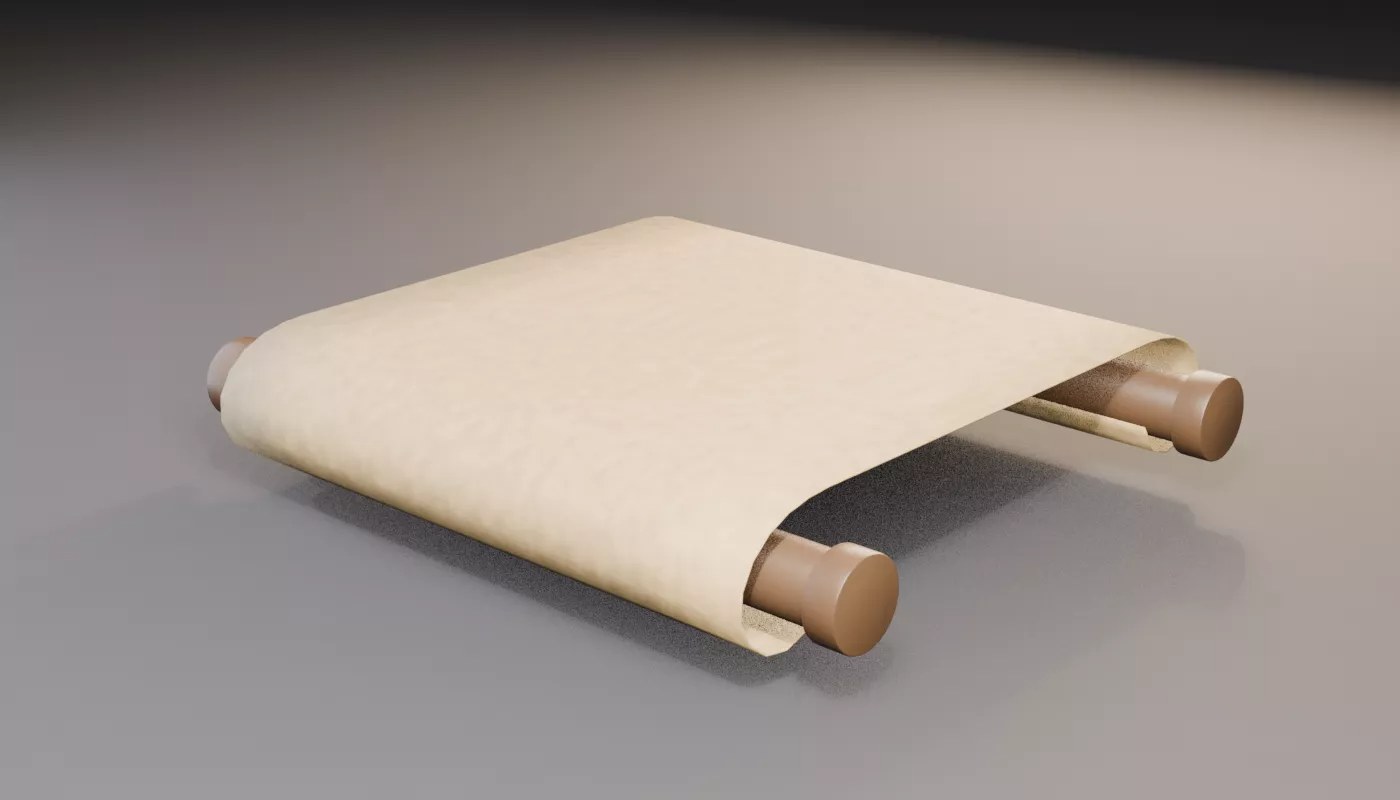
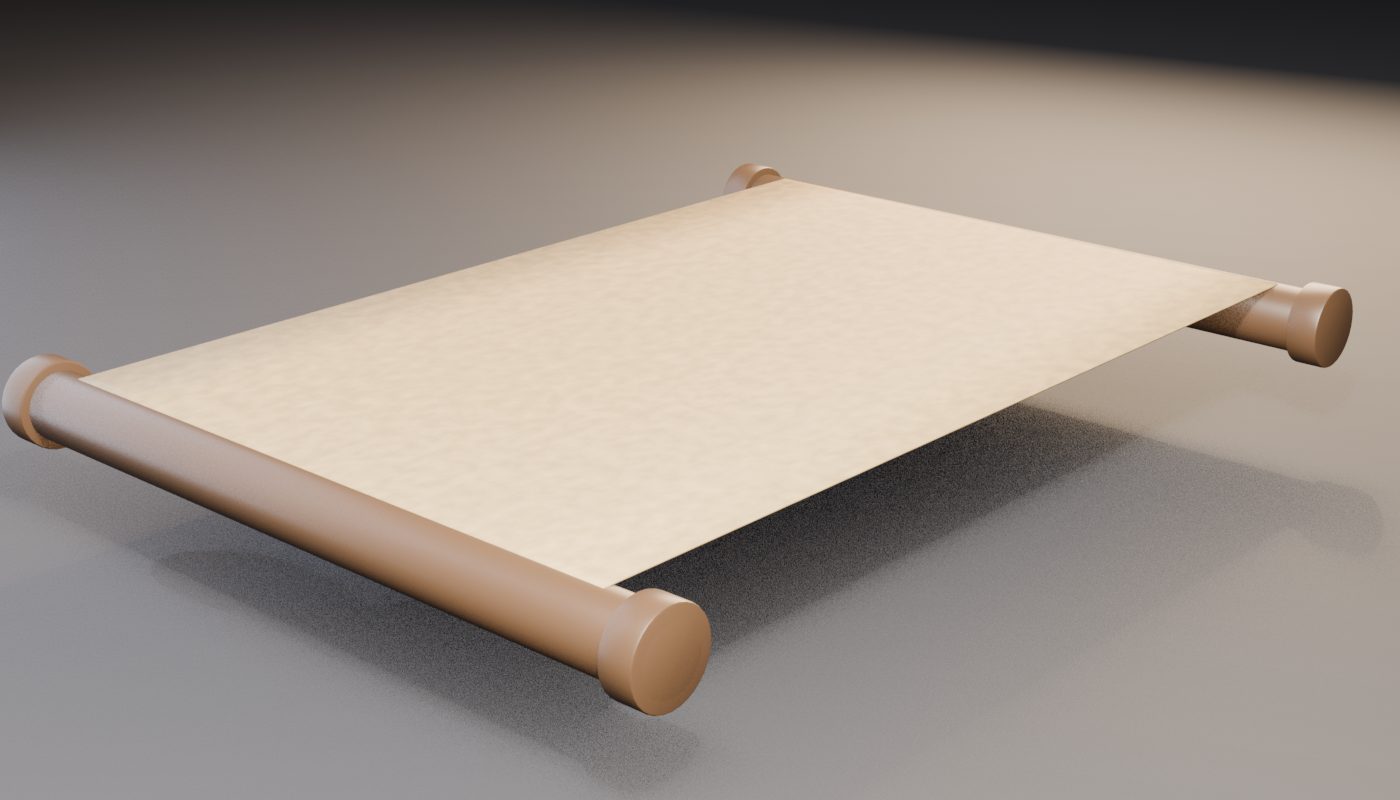
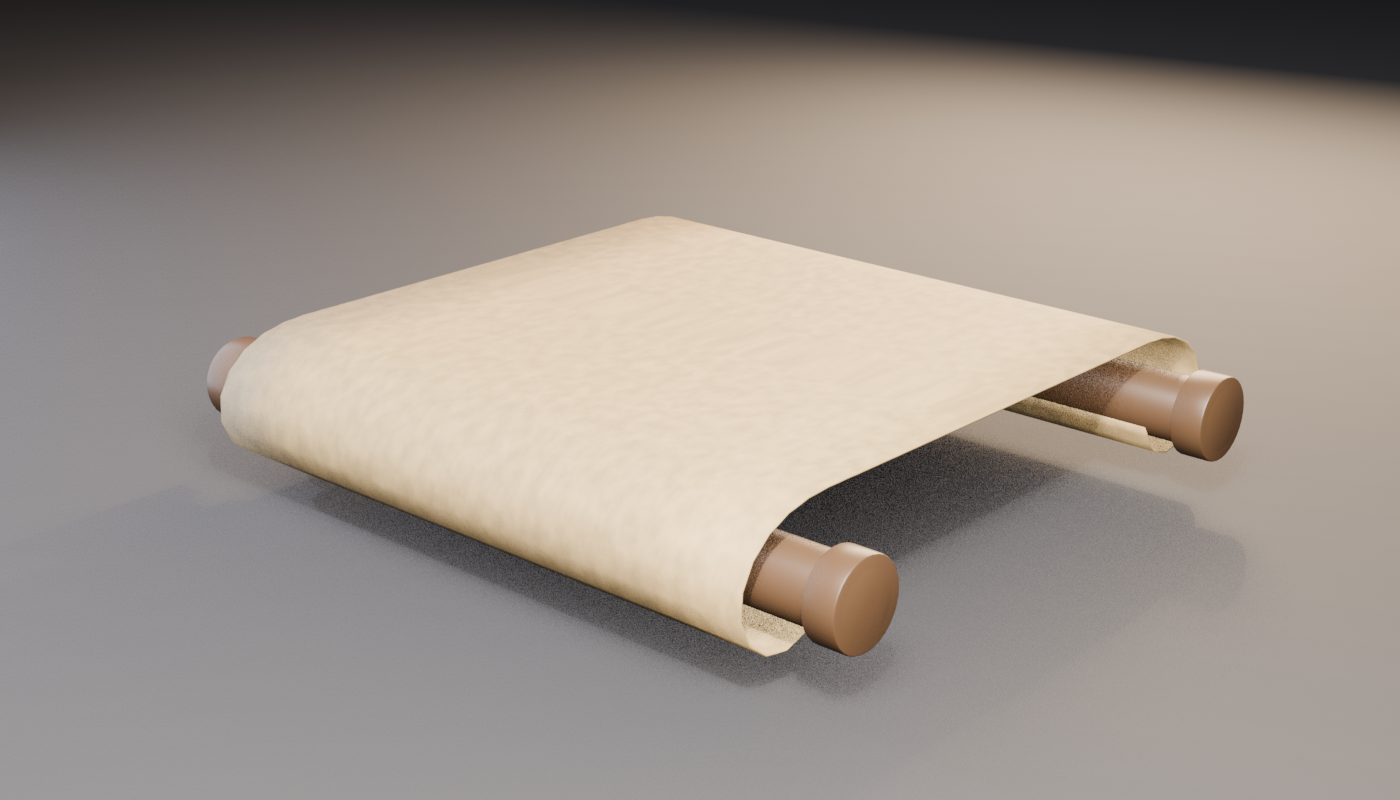
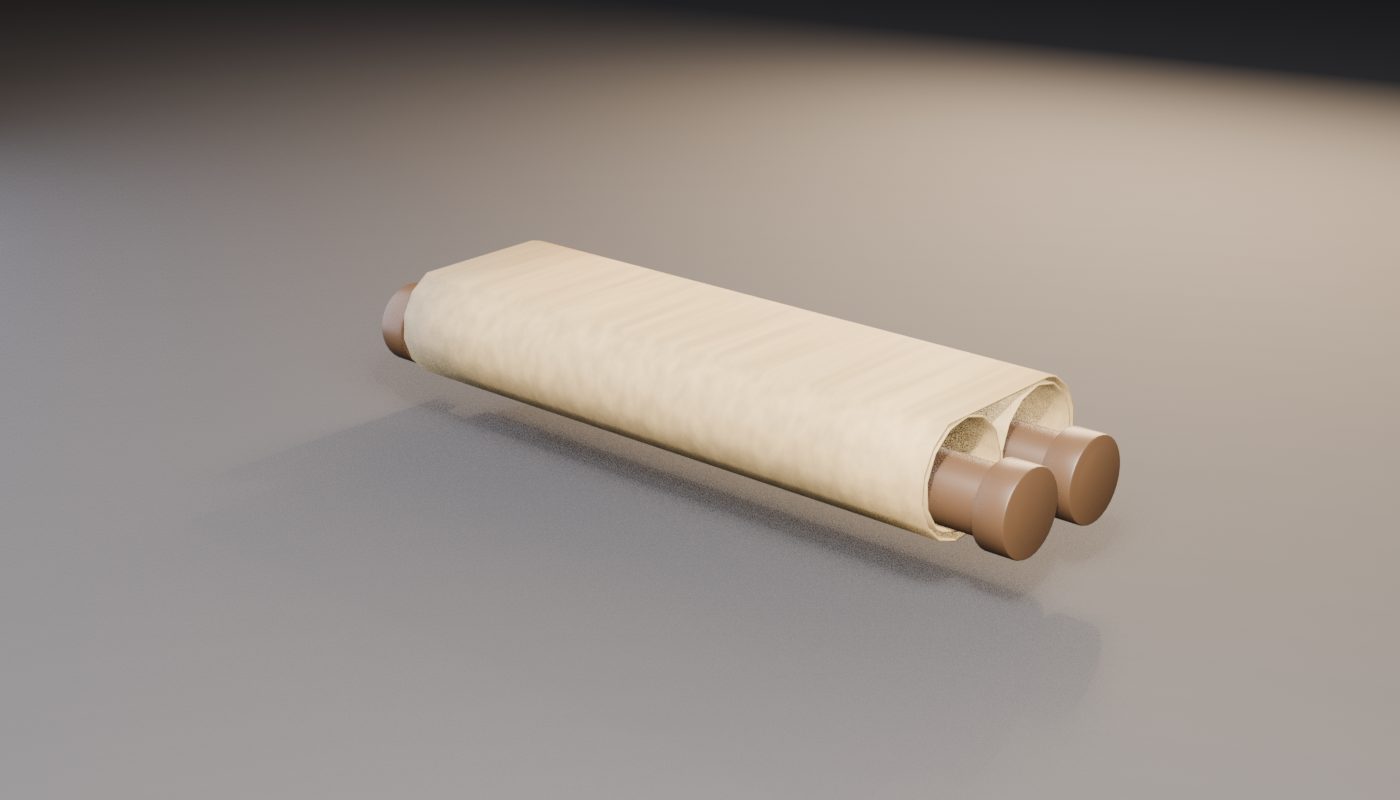
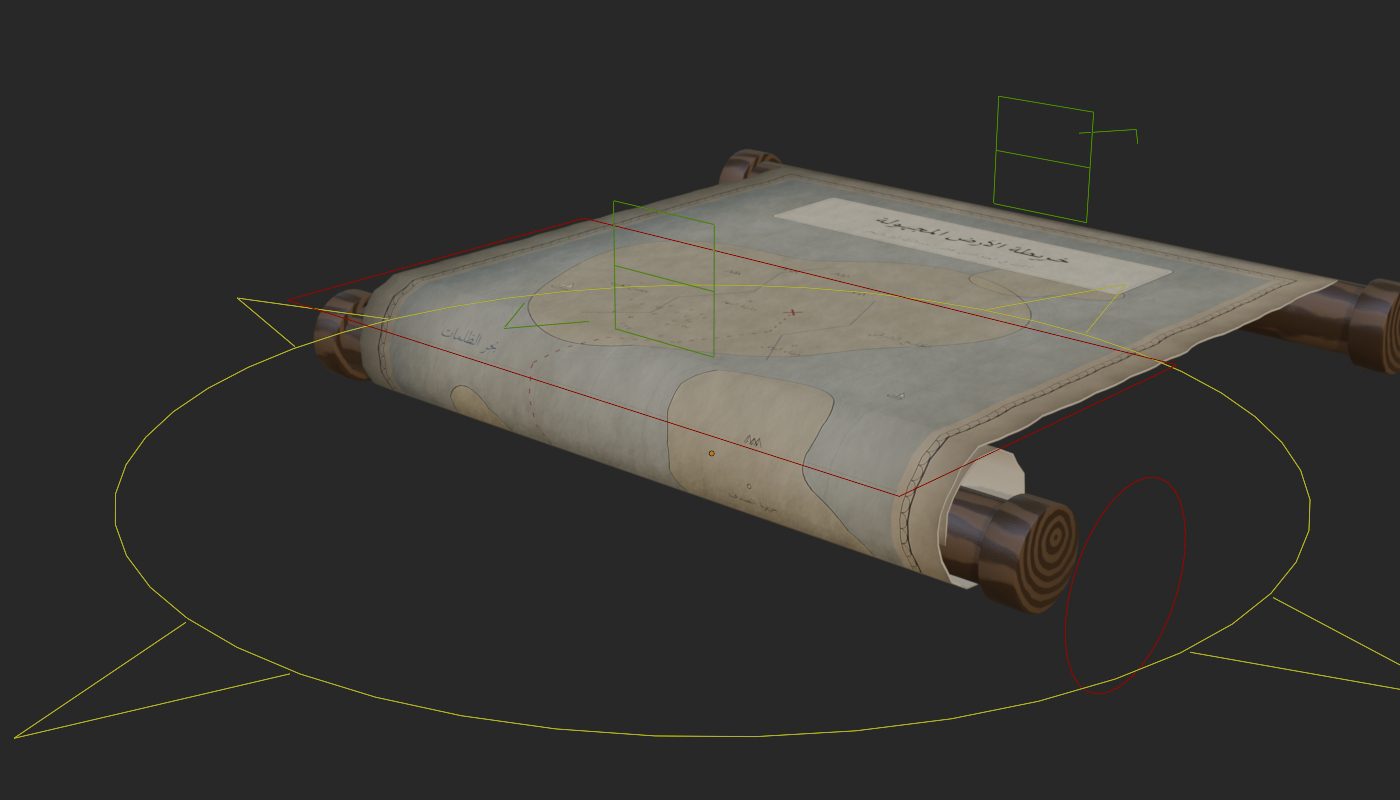
Two independent pull handles — open each end separately, just grab and pull.
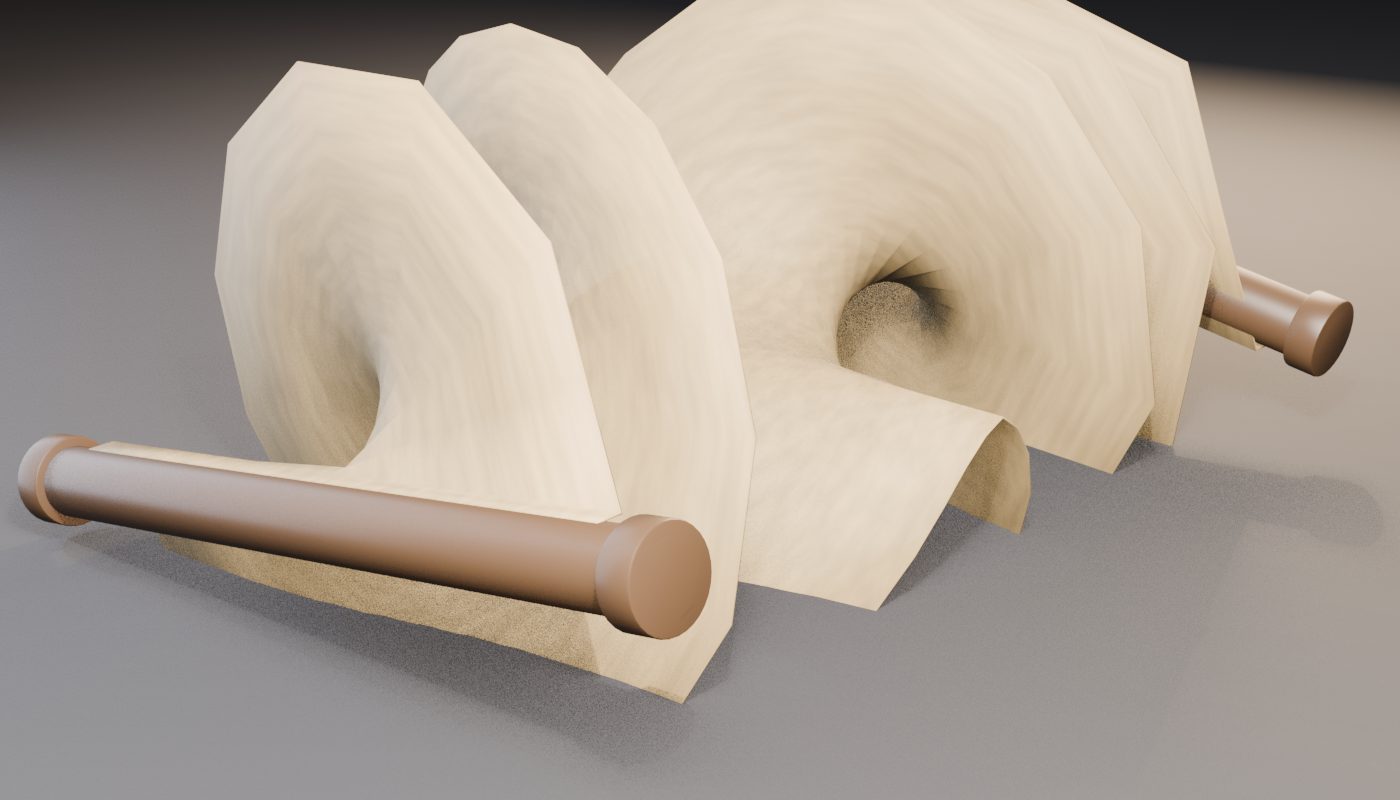
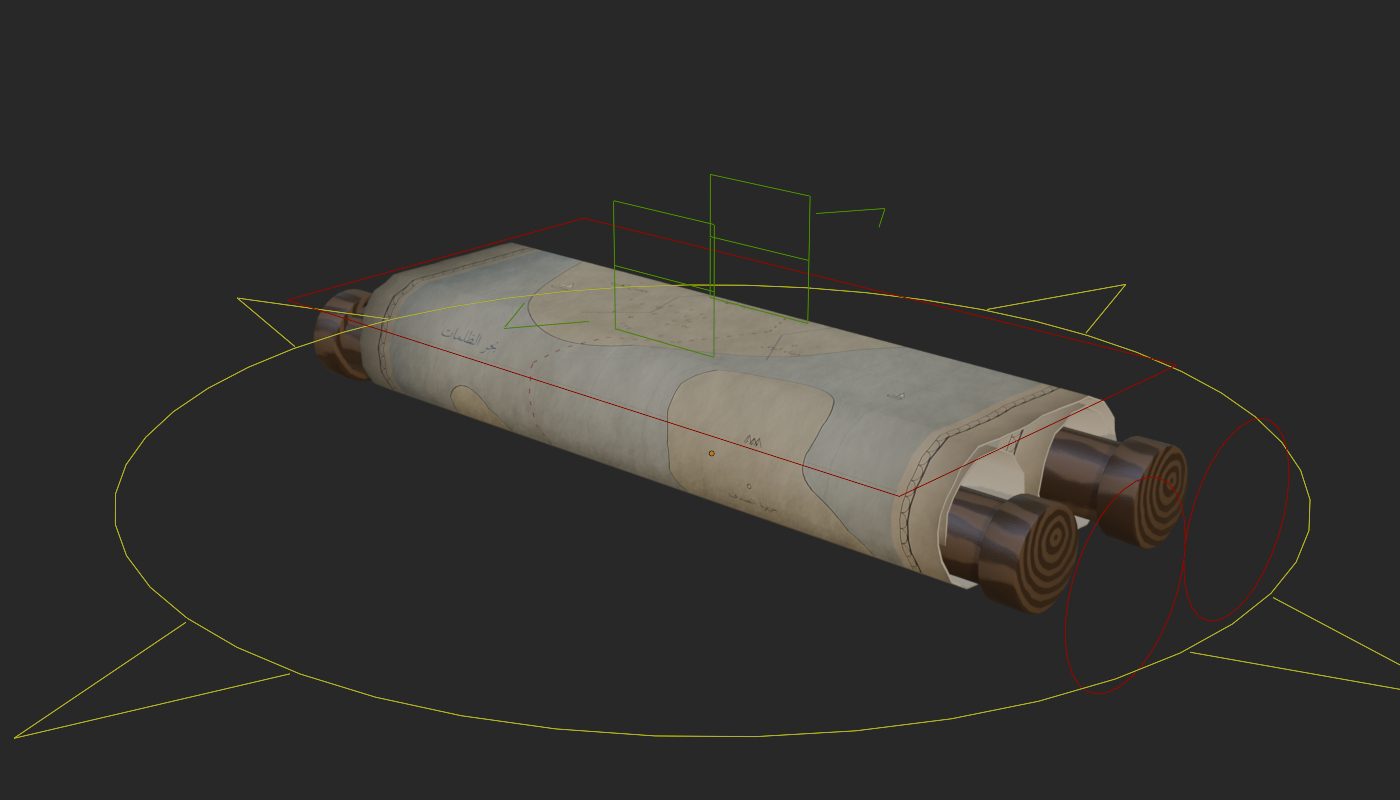
A mathematically computed spiral roll: the radius grows with every layer, so the paper never intersects.
Automatic ground contact — the scroll stays resting on the floor while it rolls.
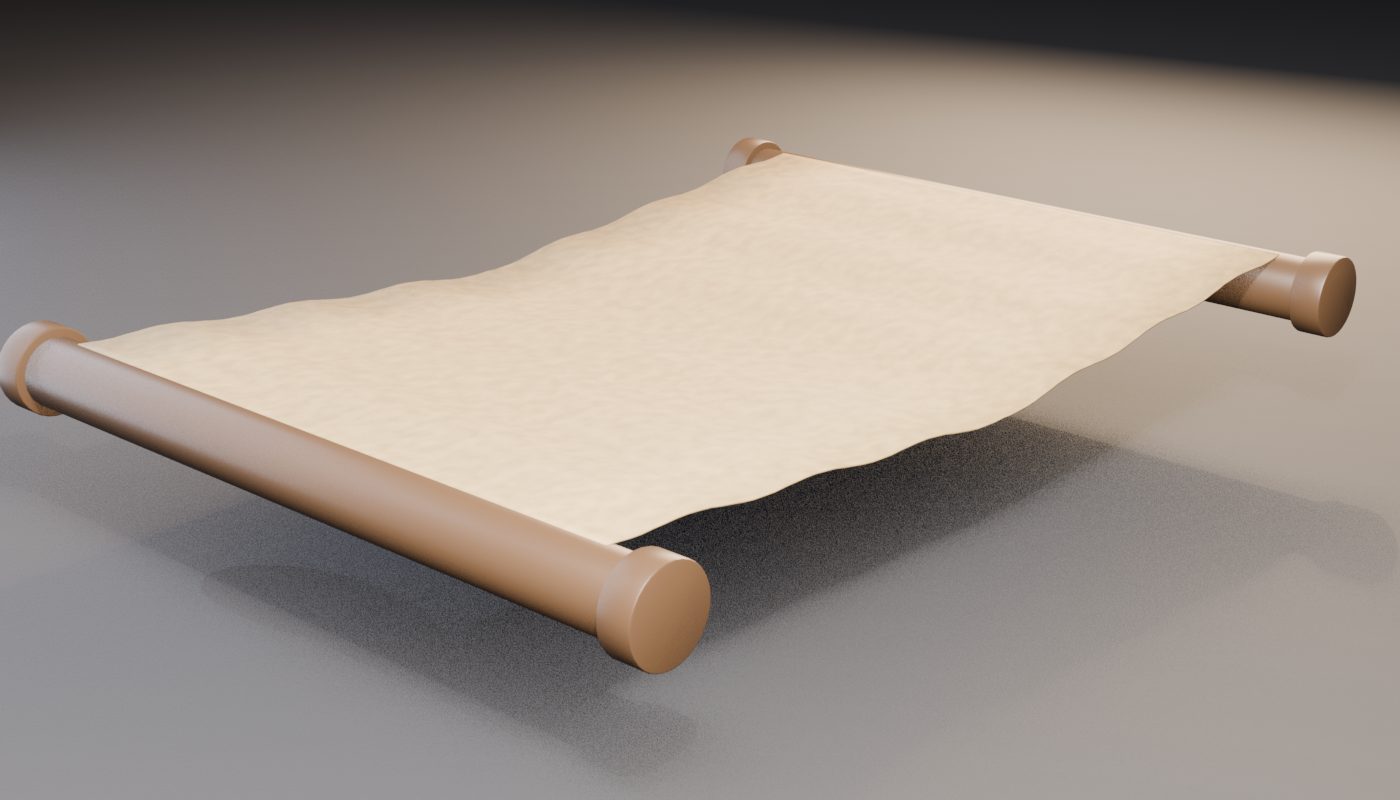
Procedural paper flutter (amount, frequency, phase) for wind loops.
Twist bones for both rods; manual twist works on top of the automatic roll.
A Root / Body / Handles hierarchy, ready to attach to any character.
A clean three-layer bone architecture — CTRL / TWK / MCH, 89 bones, 84 drivers, all validated.
What you get
One .blend file for Blender 4.x and 5.x — textures packed inside, nothing else to download.
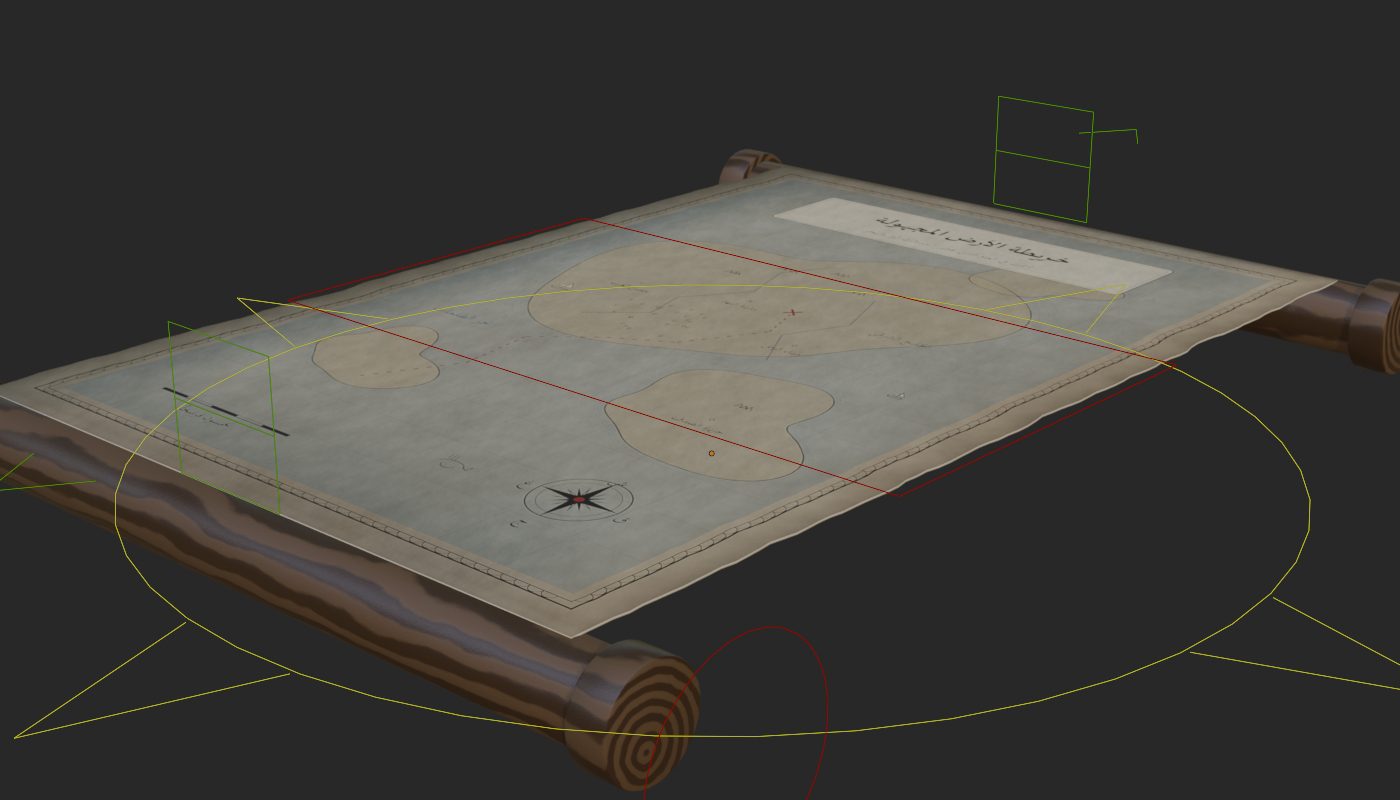
An antique map texture set: BaseColor, Roughness and Normal at 1365×2048, hand-crafted with Arabic calligraphy.
A ready 96-frame opening animation with only four keyed channels.
Custom bone shapes, colour-coded collections, widgets on a hidden layer.
Technical
Real-world scale: a 60 × 90 cm sheet, metric units.
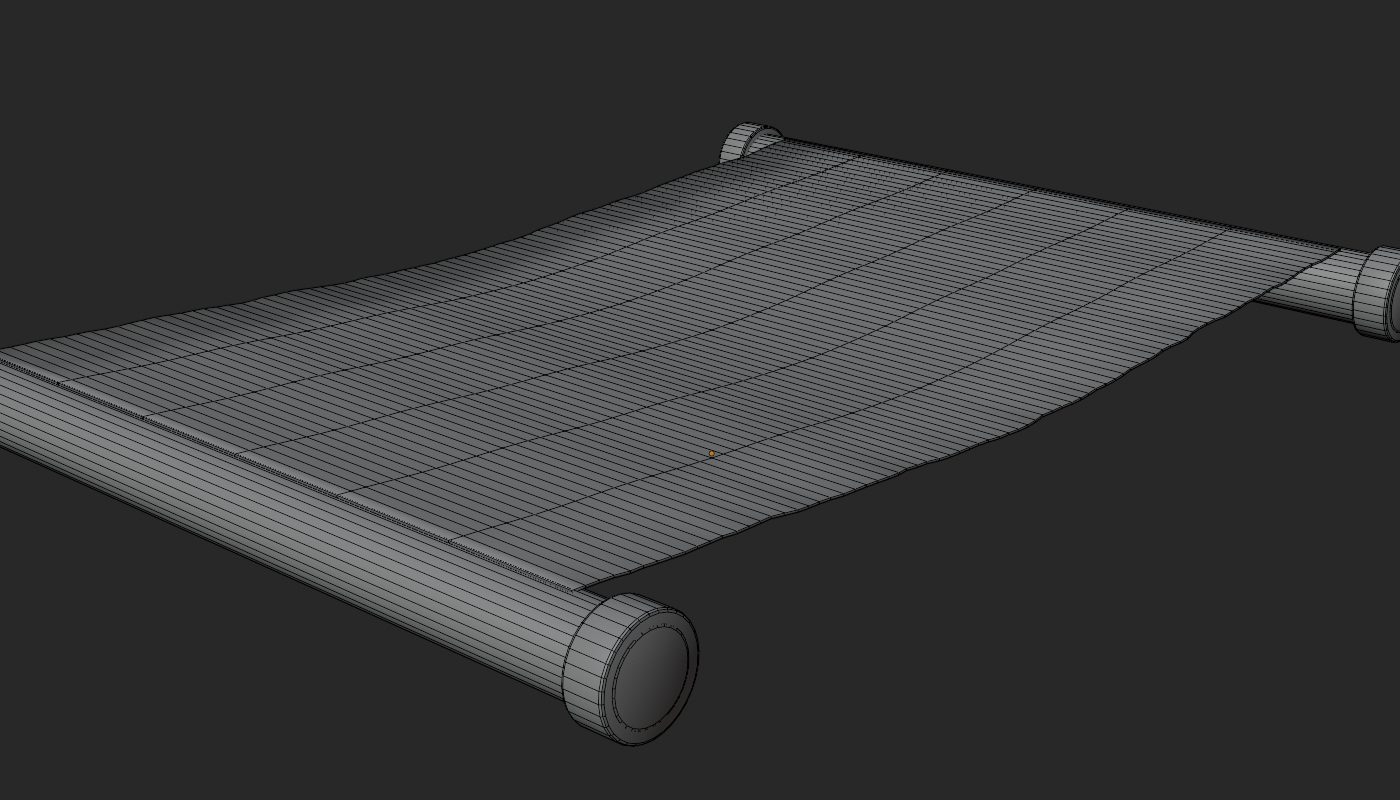
2,104 faces / 4,544 tris — the paper is all quads.
Subdivision-friendly topology and non-overlapping UVs built from vertex coordinates — zero stretch.
Material stretch when fully rolled: 1.41% — measured, not guessed.
No add-ons required, no external dependencies.
The rig is driver-based, so full functionality is Blender-native. For game engines, bake the action (Bake Action ▸ Visual Keying) and export FBX or glTF as usual.
How to use
Open the file and select the rig — it starts rolled up.Grab a pull handle and drag — the paper unrolls itself along a correct spiral.Set flutter and twist from the custom properties, or just play the included action.
Gallery
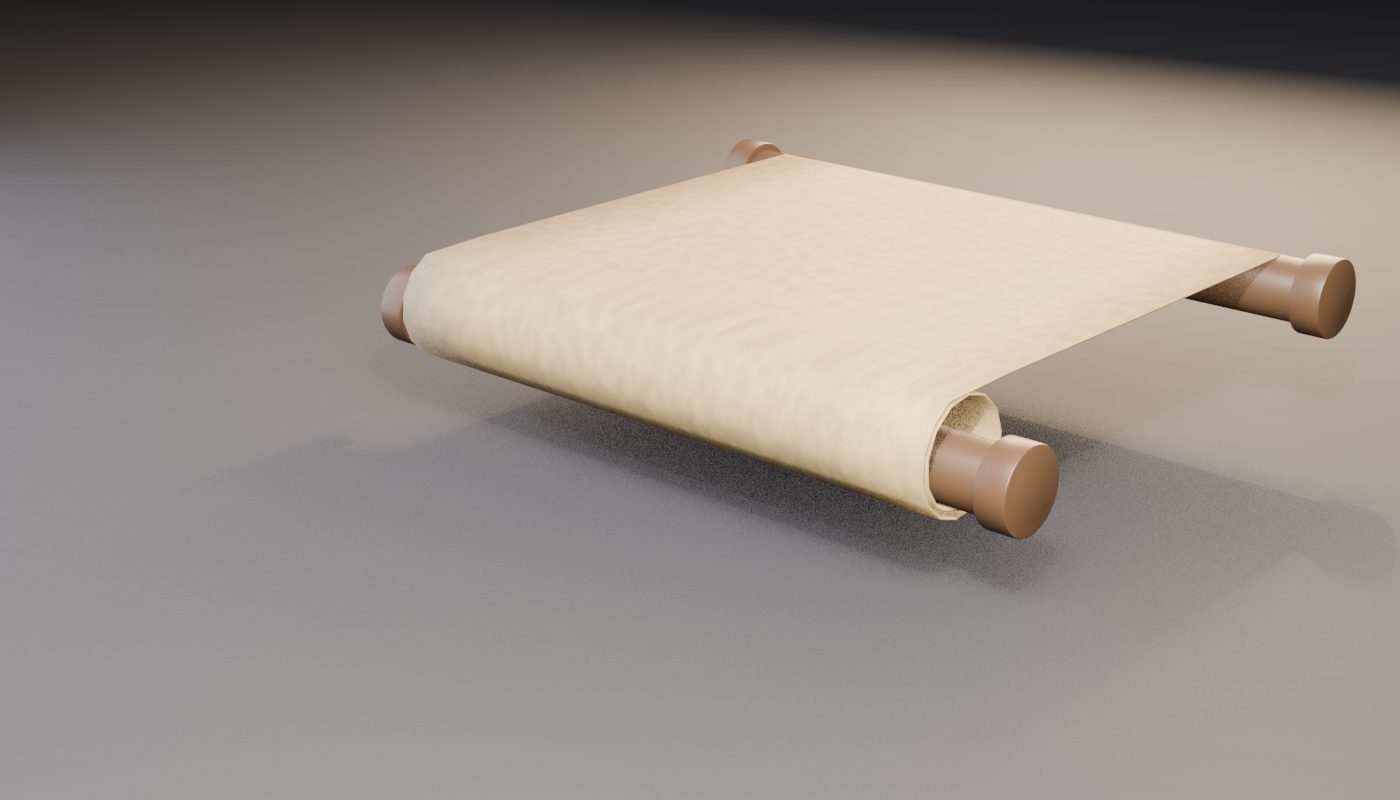
Fully unrolledHalf open — each end opens on its ownFully rolled — a computed spiral, paper never intersectsPulling the top handle alonePaper flutter — amount, frequency and phaseRod twist — works on top of the automatic rollThe five controls, open stateWireframe — 2,104 faces, all quads on the paper